 Marco September 22, 2026
Lessons from building OpenMates: clearer instructions, isolated environments, specifications, visual testing, plans, and tasks for a better agentic coding workflow.
Had moments of frustration with agentic coding in the past months? Yeah... me too.
There is something particularly frustrating about a tool that can do so much, yet still needs repeated reminders, misses an obvious design detail, or gets in the way of another agent working on the same project. The potential is right there. So is the time spent sorting out what went wrong.
My background is in UX and UI design, with software development becoming part of my work around nine years ago. Once DALL·E 2 came out, I started experimenting with generative AI, followed by working with AI coding tools in 2023. And for the past two years, my main project has been OpenMates.org - with an open-source web app, CLI, SDKs, as well as native Apple apps (which are still in development).
Building across those surfaces has made one thing clear: existing agent harnesses—the tools around the AI model that let it read files, run commands, and edit code—still only scratch the surface of how good they could be.
Four things that keep getting in the way
Heavy multitasking is still awkward
Open one chat to implement a feature, another to investigate a bug, and a third to explore an idea. Before long, six or ten conversations are running, each with a slightly different understanding of the project.
This is where tools like OpenCode and Claude Code have felt least comfortable in my workflow. Worktrees help agents work on separate copies of the code, but the surrounding infrastructure can still be shared. Two agents may restart the same Docker containers. One may deploy to Vercel while another is checking the previous deployment.
The files are separate; the environment is not. Keeping track of which agent is testing which version quickly becomes a job of its own.
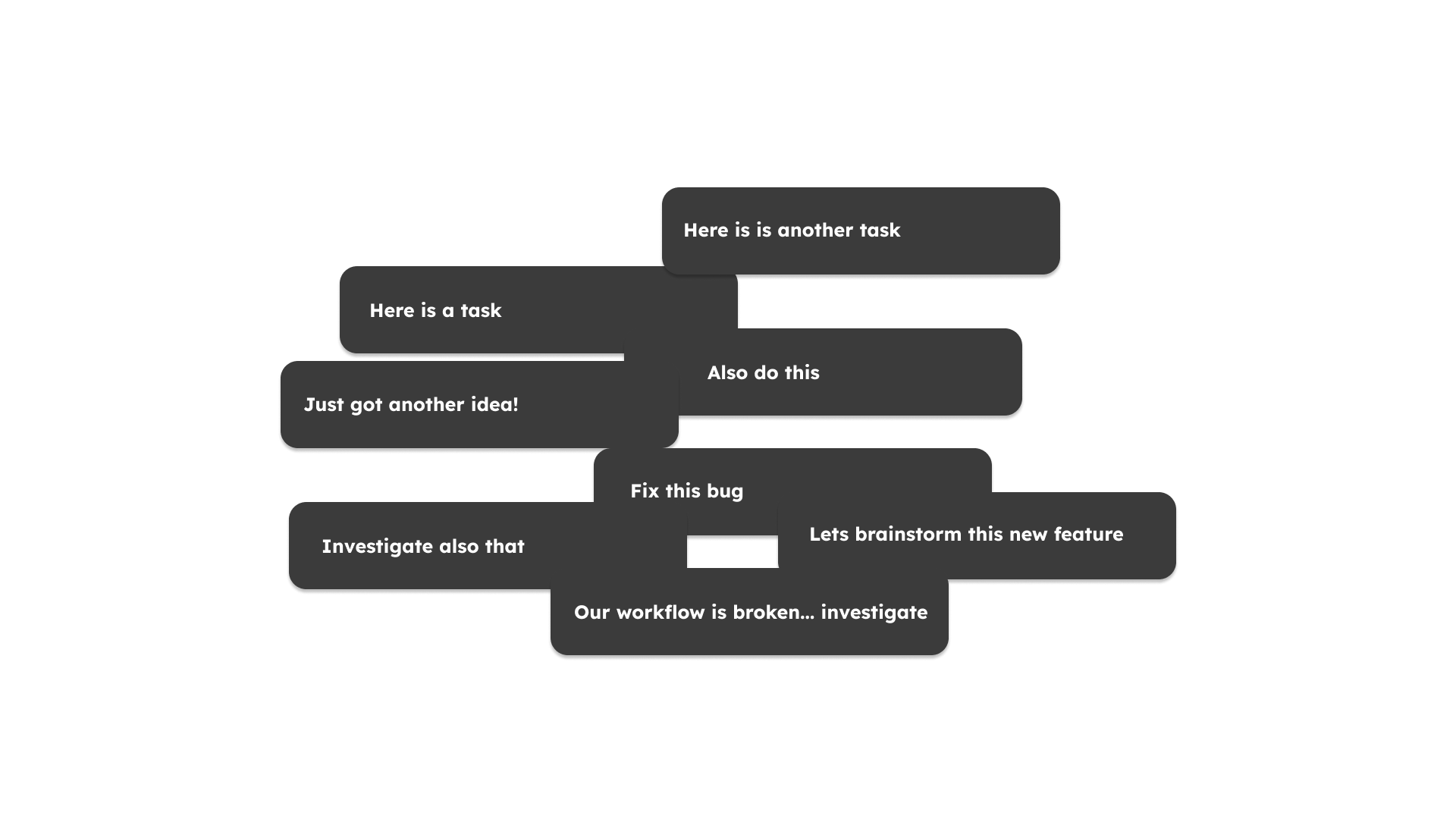
Several useful conversations can become difficult to coordinate.
Vibe coding has limits
Vibe coding is great for trying something out. A small feature, a prototype, an idea that might not survive the afternoon—sometimes a prompt and a few iterations are exactly what is needed.
A complex product asks more of the process. What should happen when a request fails? Which information may leave the device? How should the same feature behave on a phone? Which parts are deliberately out of scope?
Without an agreed specification, those decisions tend to happen during implementation, often without the person building the product noticing. A result can look convincing and still fail the requirements that matter most.
For complex work, the destination needs to be explicit.
Intelligence cannot replace missing context
A model cannot reliably implement a Figma design it has never seen. Give it access to the design through an API, or at least an exported PDF, and it has something concrete to work from. Leave it with a vague description and much of the result will be guesswork.
The same applies after the code is written. An agent needs access to a browser and screenshots of the rendered page to see whether the interface actually looks right. Console and network information help explain why it does not.
It sounds obvious. Yet a surprising amount of agentic coding still happens with that feedback missing. A more intelligent model does not make an invisible interface visible.
Give the agent both the design and a way to inspect the result.
The interface asks too much of the person using it
Coming from UX and UI design, this is the part that bothers me most. While there has been some progress, too much of the experience still feels like engineering functionality with usability as an afterthought.
Claude’s Projects are now a conversation with Claude video is a good example of that. Of how all the big tech companies keep pushing products with confusing and badly designed user interfaces - and in the case of the video then also often produce videos which are just confusing everyone. As a side note: its odd to me how the video animations can be so beautiful, yet the actual content and story it shows is utterly confusing and badly designed - what a contrast. And as the comment section shows: I haven't been the only one who didn't get the video, far from it.
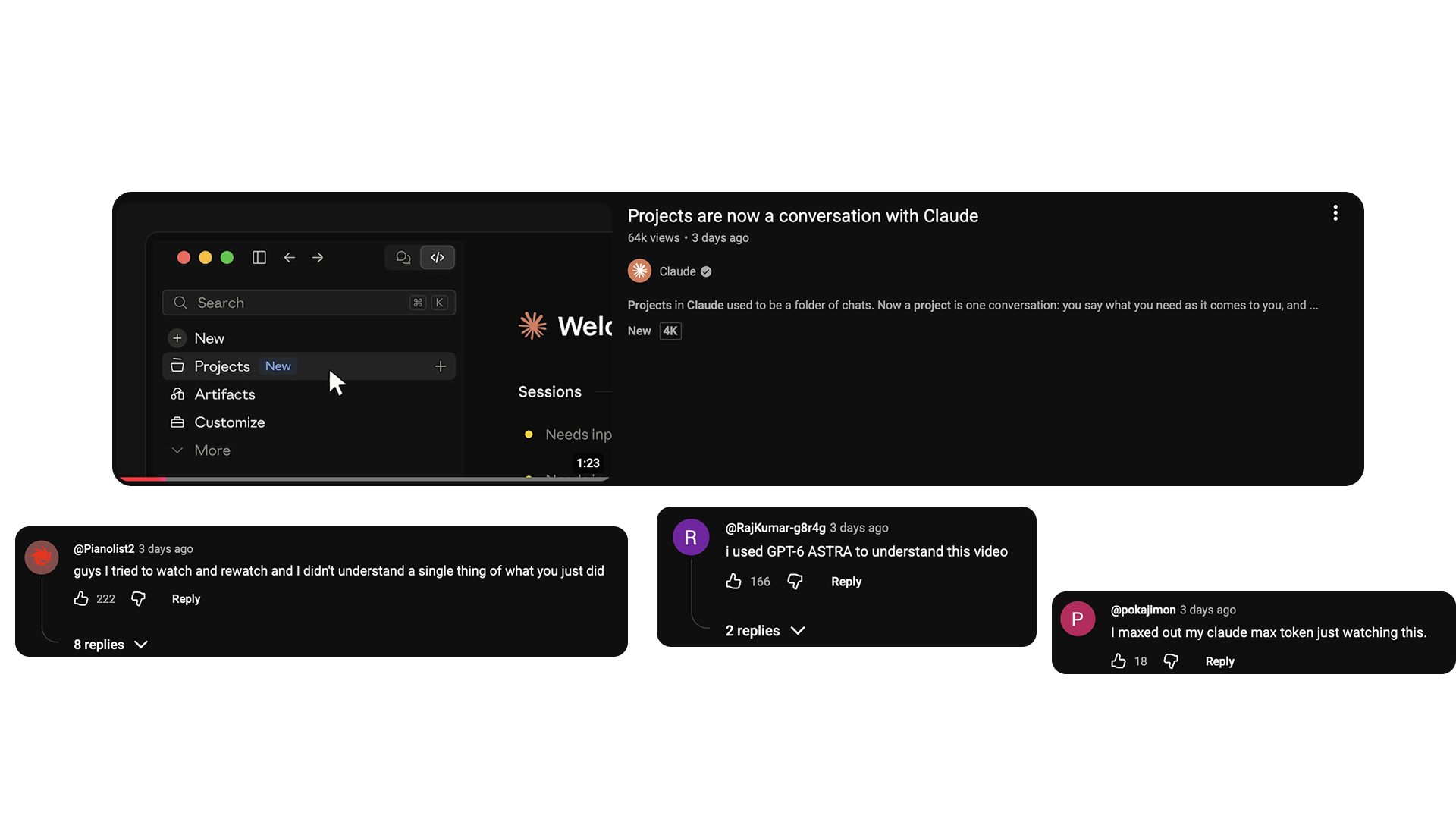
The demo and selected viewer reactions. They illustrate the confusion, rather than represent every viewer’s experience.
The daily wall of text in AI agent responses is another good example for bad out of the box UX. Long responses ask you to read, remember, compare, and extract the decision yourself. Run several chats at once and that burden multiplies.
There are reasons why we invented and use diagrams, mind maps, questionnaires, and graphical interfaces. A wireframe can make a layout decision obvious. A diagram can reveal a dependency that disappears inside three paragraphs. Better presentation helps people understand the work and catch mistakes.
What helps today: a custom workflow
After plenty of frustration and conversations with other builders, the following approach is the foundation I would recommend and which can be used across Claude Code, Codex, OpenCode and other agentic coding tools.
1. Clear instructions and separate skills
Start by checking the instructions your agents already receive. Do they contradict each other? Does one file require an action that another forbids? Are old rules still hanging around after the workflow has changed?
Keep the main instructions concise. Put detailed, task-specific procedures into separate files and skills, so an agent can load them when needed. An AGENTS.md file becomes harder to maintain when every new lesson adds another paragraph to it.
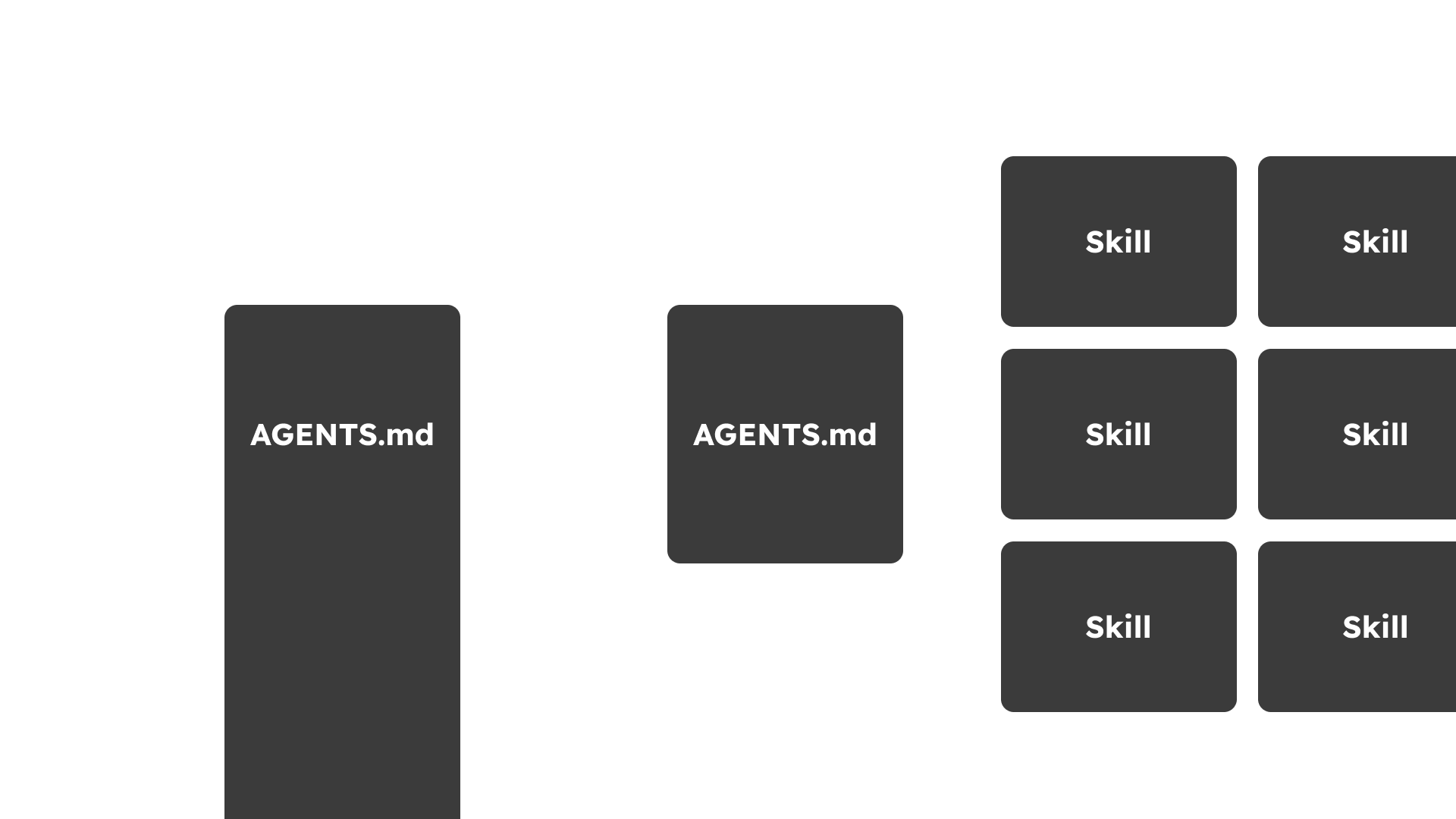
Keep the essentials in the main instructions and load detailed procedures when needed.
It is also worth looking back at recurring work. If the same procedure has been explained across several chats during the past week, ask an agent to propose a reusable skill from it. Review the result before making it part of the workflow.
2. Ask for a useful way to see the work
When a decision is visual or structural, ask for a visual or structural explanation.
Choose the format that makes the decision easier.
Use a mind map to explore an idea, a diagram to understand how parts connect, and a questionnaire to work through unresolved choices. Before implementing a new interface, ask for a wireframe. Even an ASCII drawing can be enough to notice that a button is in the wrong place or that the intended flow has been misunderstood.
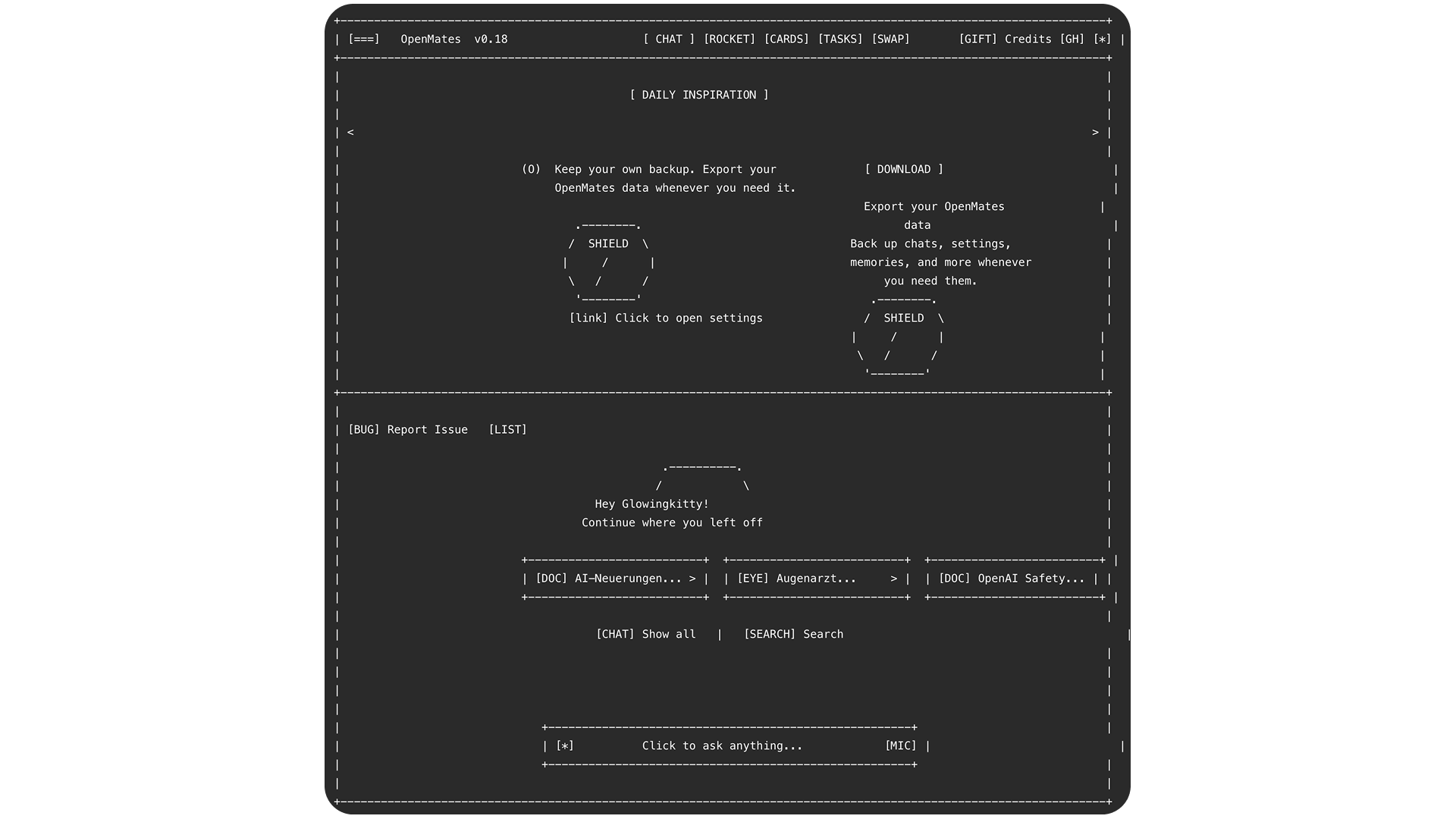
A rough wireframe can expose a layout misunderstanding before implementation.
The useful question is: what would make this easier to understand and decide? That should determine the format of the response. After all, the bottle neck isn't the AIs ability to output information, but our ability to properly understand complex systems and ideas and communicate effectively with AI.
3. Enforce important rules with hooks
“Please follow this rule” is a fragile foundation for something that must happen consistently.
Hooks let the surrounding software check an action and intervene at a defined point. For example, a deployment command can verify that required checks passed before allowing the deployment to proceed. Or pushing git commits could be prohibited and require first running a bunch of deterministic checks to ensure changes didn't break existing processing flows.
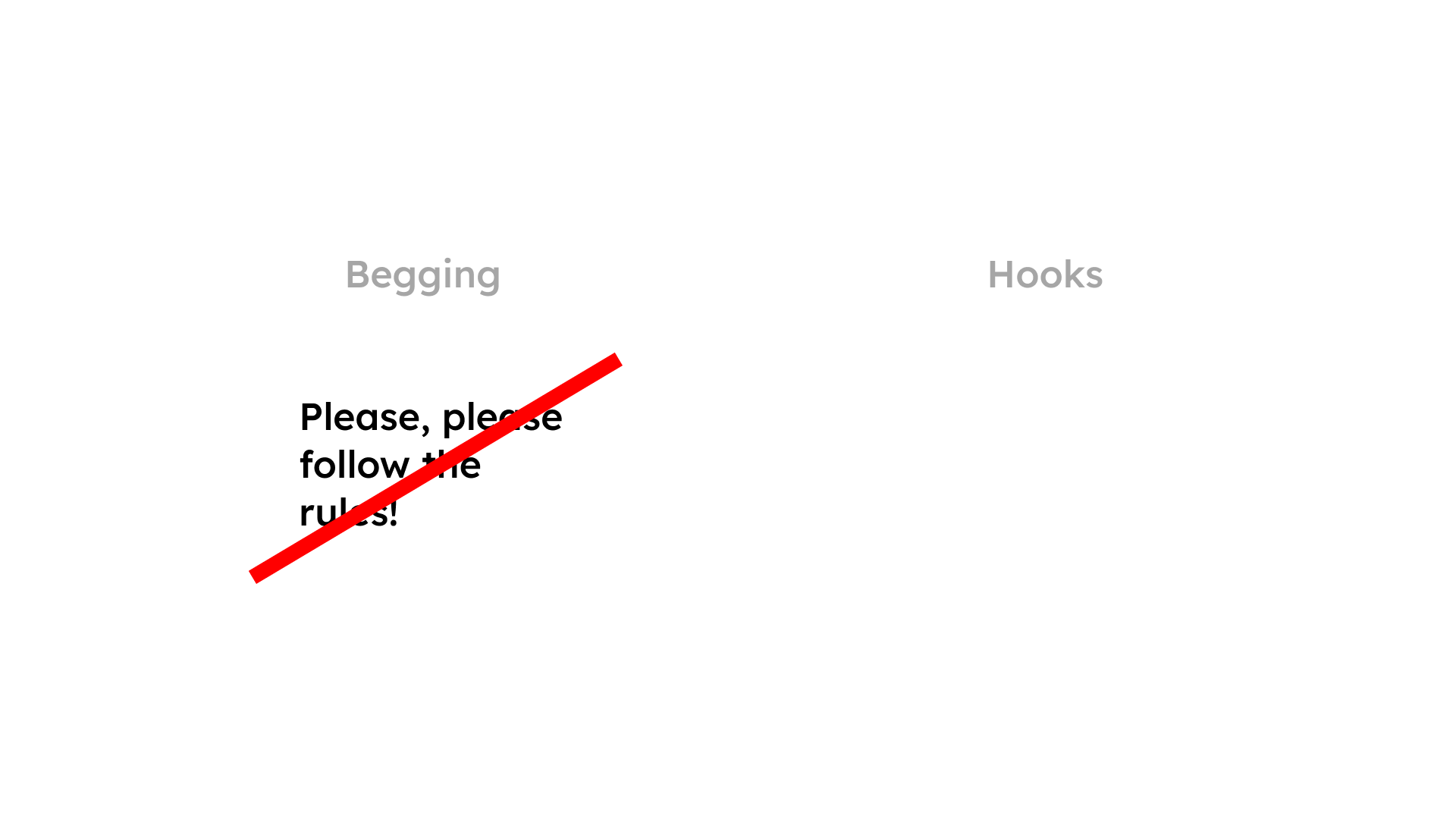
A check at the point of action is more dependable than another reminder.
The distinction matters: an instruction depends on the model remembering and following it. A deterministic check can enforce a condition even when the model forgets. Choose conditions that can be checked reliably, and make failures explain what needs to change. Otherwise, the guardrail becomes another source of frustration.
4. Separate the environments, too
Use worktrees for source isolation, then deal with the runtime.
For a web app, each test run can start its own backend and frontend containers with the code being tested. Running these jobs through GitHub CI (or other CI tools) allows them to work independently of the development server or laptop where the agent chats are running.
That removes a whole category of confusion: another chat restarting a container should not invalidate a test halfway through. The result should belong to the code under investigation.
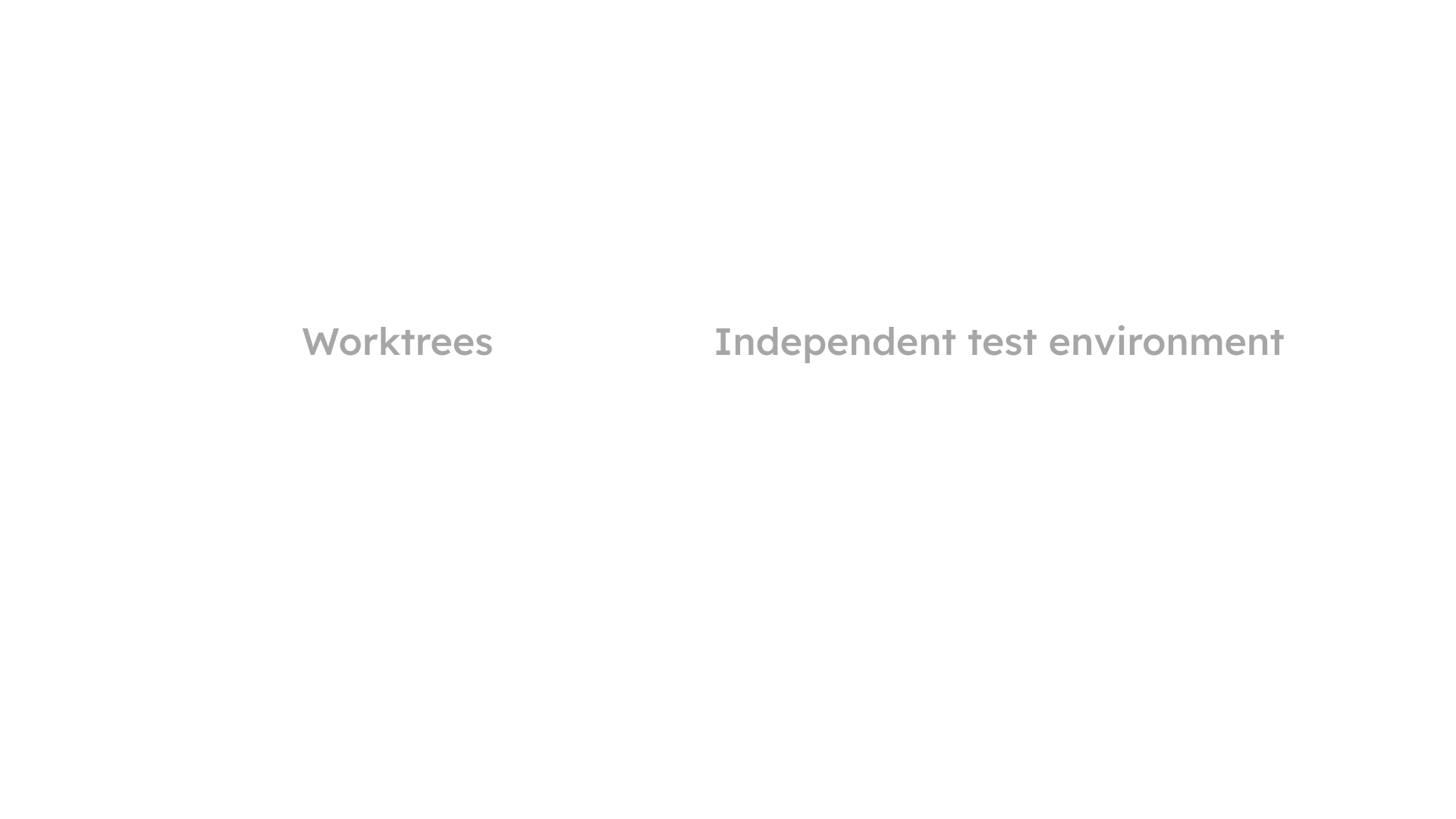
Separate source files and separate runtimes solve different parts of the problem.
5. Give complex work a specification
It does not matter how smart a model is if it does not know what your requirements are.
Start by brainstorming. Write a mind map before asking for implementation, then have the agent help uncover the gaps. One useful prompt i can highly recommend for this and many other scenarios:
Before proposing a specification, ask five clarifying questions, one at a time. Wait for each answer. Include a recommendation and a concrete example with every question.
The point is to surface decisions while changing them is still cheap and to ensure the AI is getting all the concrete context it needs and you both are on the same page of what must be build and how. This can help with complex features, UI designs, and even marketing or communication guidelines.
Once the intent is clearer, turn it into a specification with three things you can review.
Requirements that describe actual behavior
Keep each requirement understandable, with a short description and natural-language examples.
Consider the Workflows feature in OpenMates. “Users can create workflows” leaves a lot unanswered. A more useful requirement distinguishes saving an incomplete draft from running it.
For example:
A user creates an empty workflow and saves it. Saving succeeds. When the user tries to run it, the interface explains which steps are missing, and no run starts.
There is now something specific to implement and verify. The OpenMates Workflows Specification contains the underlying requirements, including execution readiness and the distinction between manual runs and scheduled automation. It is a real project example, with its own complexity and history.
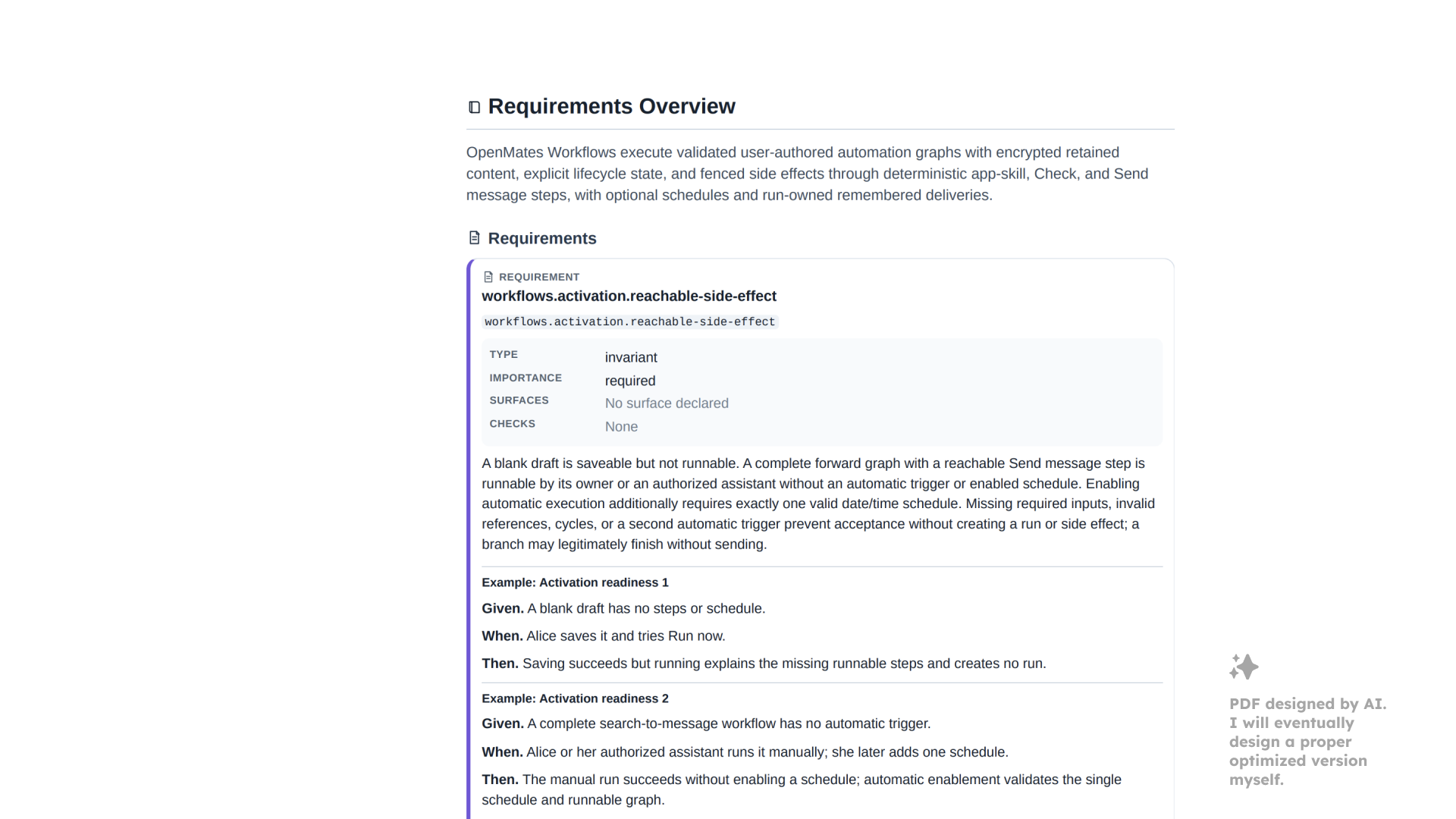
The Workflows requirement distinguishes saving a draft from being ready to run.
Tests planned before implementation
Agree on what would prove that the feature works. Describe the tests in natural language first, so their meaning can be checked without reading test code.
For the workflow example, the sequence could be: create an empty draft, save it, try to run it, check the explanation, and confirm that no execution was created.
The working order is:
- Let the agent describe the tests in natural language.
- You, the human, confirm or correct them.
- Let the agent write the tests.
- Let the agent implement the feature.
- Let the agent run the tests and debug until the expected behavior is satisfied.
For UI work, begin with component tests. A dedicated preview page that renders one component, or a small group of related elements, makes problems much easier to isolate. The same idea works for web and native interfaces. Get those pieces right before moving on to longer end-to-end tests.
Make the result visible, too. Screenshots and recordings should appear alongside progress or failure reports, where they can be inspected by you and the agents directly. A Playwright recording or a recording of a CLI interaction can reveal a misunderstanding that a green status alone never would. For UI changes, review the appearance early, before investing heavily in broader testing.
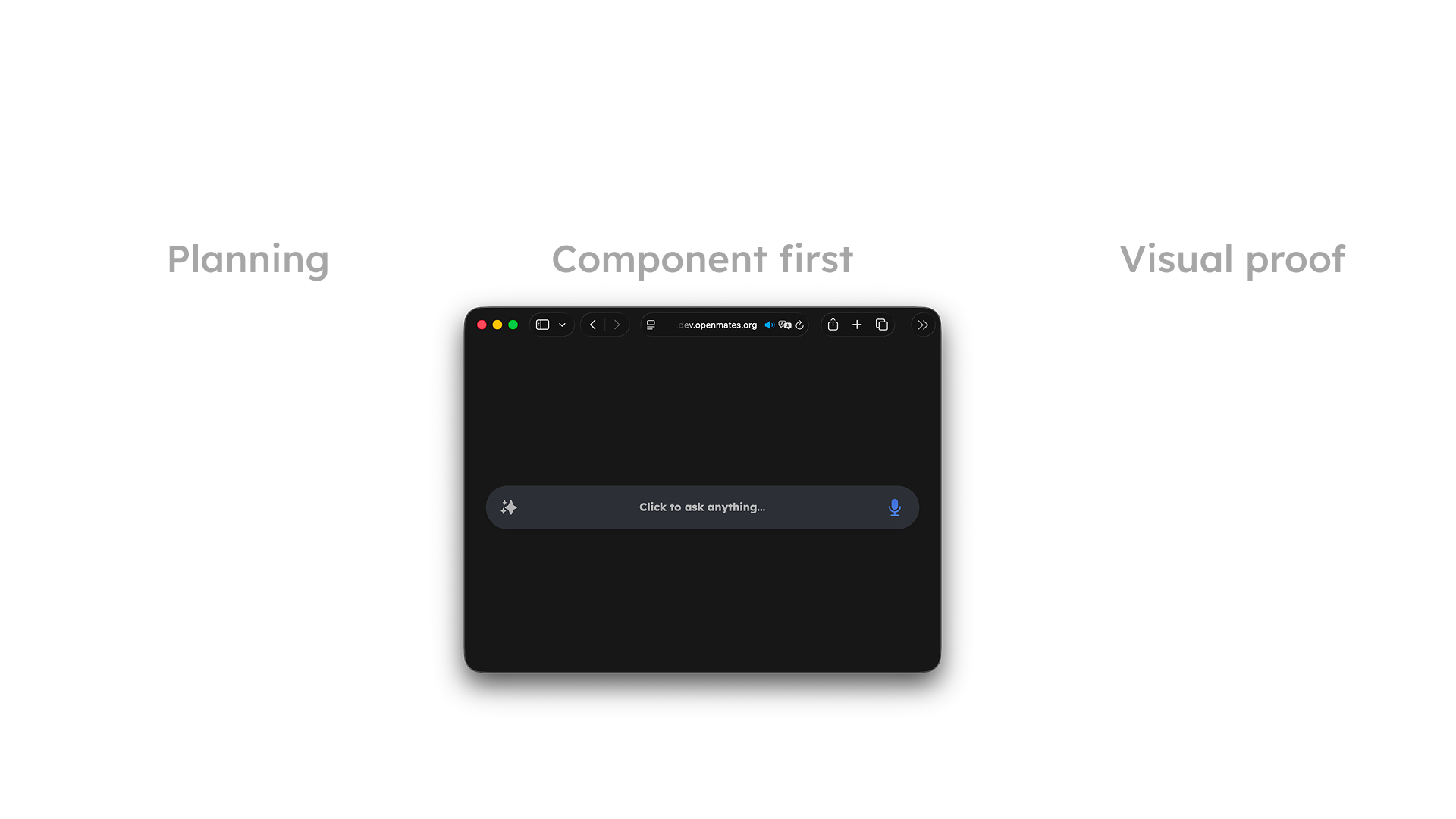
Review components early, then show what the checks actually exercised.
A specification that is comfortable to read
A YAML file can be useful to software and agents. Human review benefits from a readable document.
Ask for a PDF containing the requirements, examples, diagrams, and wireframes. Read it, correct it, and confirm the specification before implementation begins. This is the moment to discover that the agent has understood a different product.
6. Build a plan from the current state to the specification
Once the destination is clear, the next question is how to reach it from the code that already exists.
A plan should identify assumptions that need research, link to the relevant tests, and divide the work into tasks. The assumptions deserve particular attention. Asking an agent to double-check its plan often reveals that it misunderstood part of the existing architecture or has outdated information requiring more web research first.
An assumption about where data is encrypted, for example, can change the entire implementation approach. It needs evidence from the code before dependent work begins.
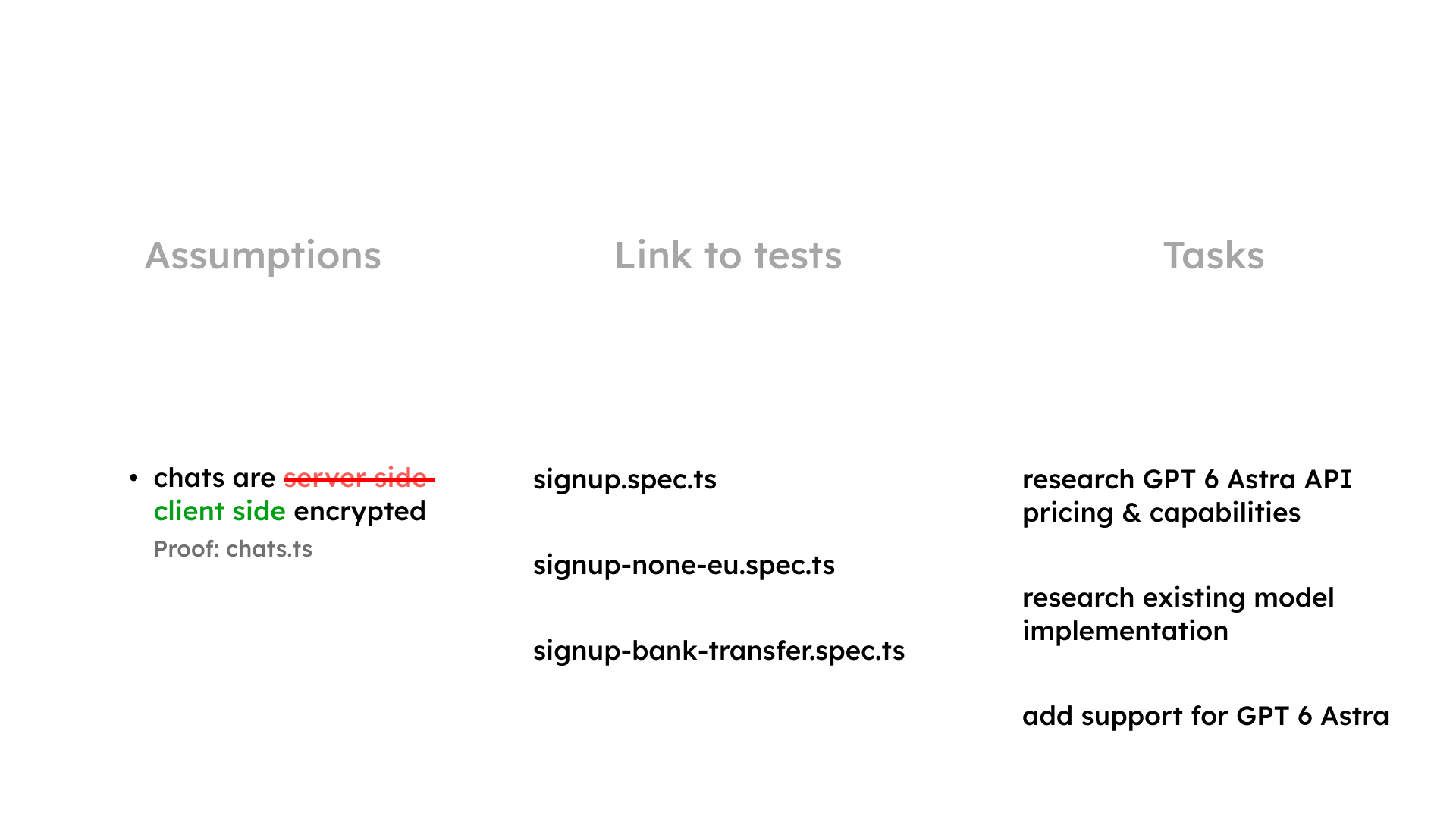
A useful plan connects checked assumptions, relevant tests, and concrete tasks.
The OpenMates Workflows implementation Plan provides a companion example to the Specification. Its assumptions, tasks, and verification sections show how a substantial feature gets broken down. It is a large, evolving document; the useful lesson is the relationship between those parts, rather than the amount of documentation.
7. Let agents see each other’s tasks and findings
Tasks make the individual pieces of work visible: research an existing implementation, build a component, investigate a failure.
Give each task a clear outcome, and make its status available across chats. Agents should be able to record findings that affect other work. A discovery about an existing service, a limitation, or a changed assumption should not remain buried in the one conversation that found it.
This matters especially with several agents running at once. Shared task context can reveal overlapping work early and reduce the chance that two chats independently solve the same problem—or make incompatible changes.
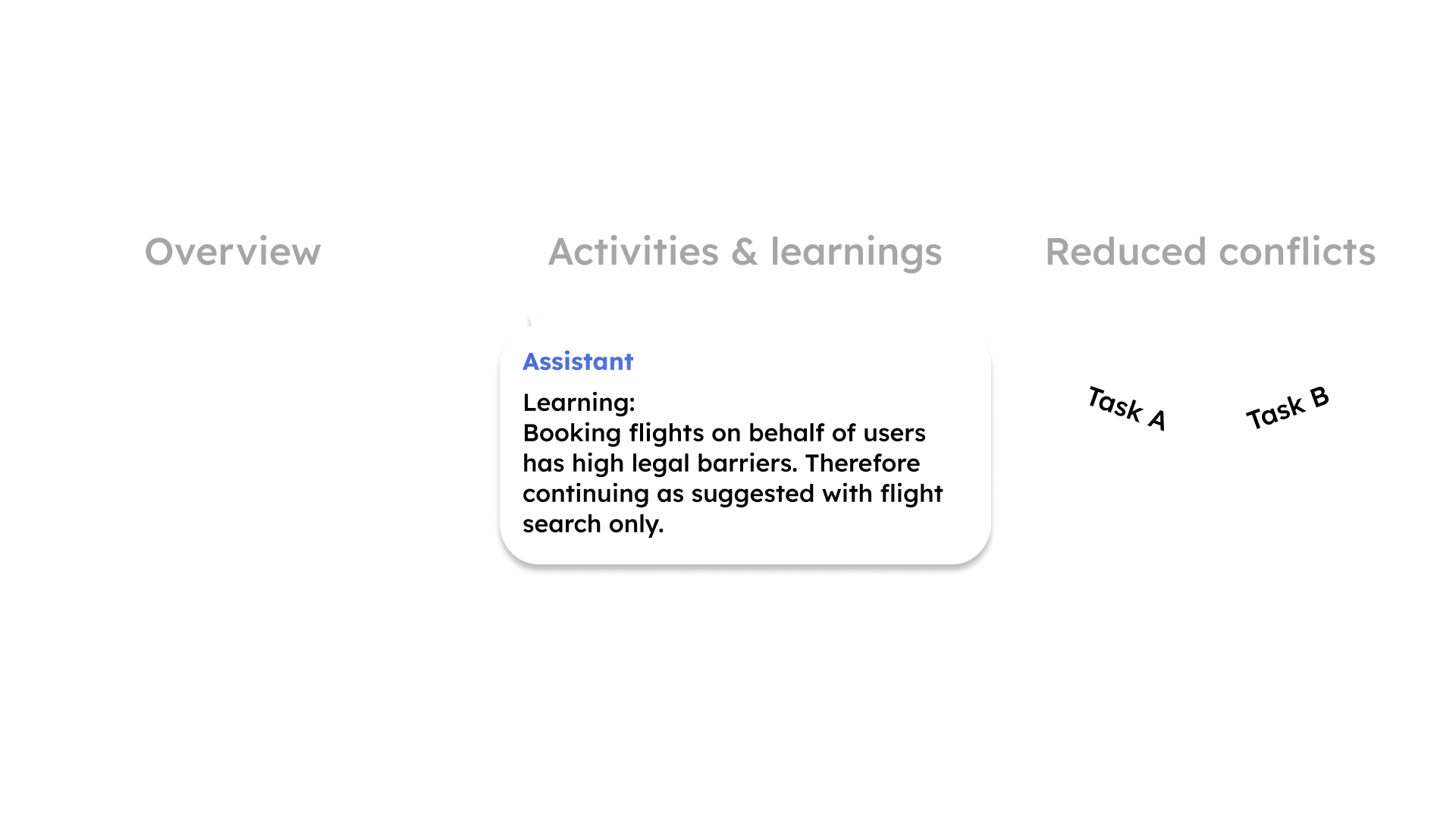
Make findings visible across tasks so other agents can act on them.
This should become easier out of the box
A custom setup can improve the experience considerably. But it also takes an unreasonable amount of work.
People should be able to start with a capable, understandable workflow and only have to adapt a few details to their project. Spending weeks assembling instructions, hooks, previews, tests, and coordination scripts should not be the entry price for dependable agentic coding.
That frustration about existing agentic coding tools and AI chatbots is a huge part of my motivation behind building OpenMates.
Today, OpenMates brings AI models and specialist apps together for practical tasks such as finding doctor appointments, apartments, and events - in seconds. Results can be explored inside the interface, alongside tools for files, travel, and other everyday needs. Privacy and freedom from ecosystem lock-in are central to the product direction.
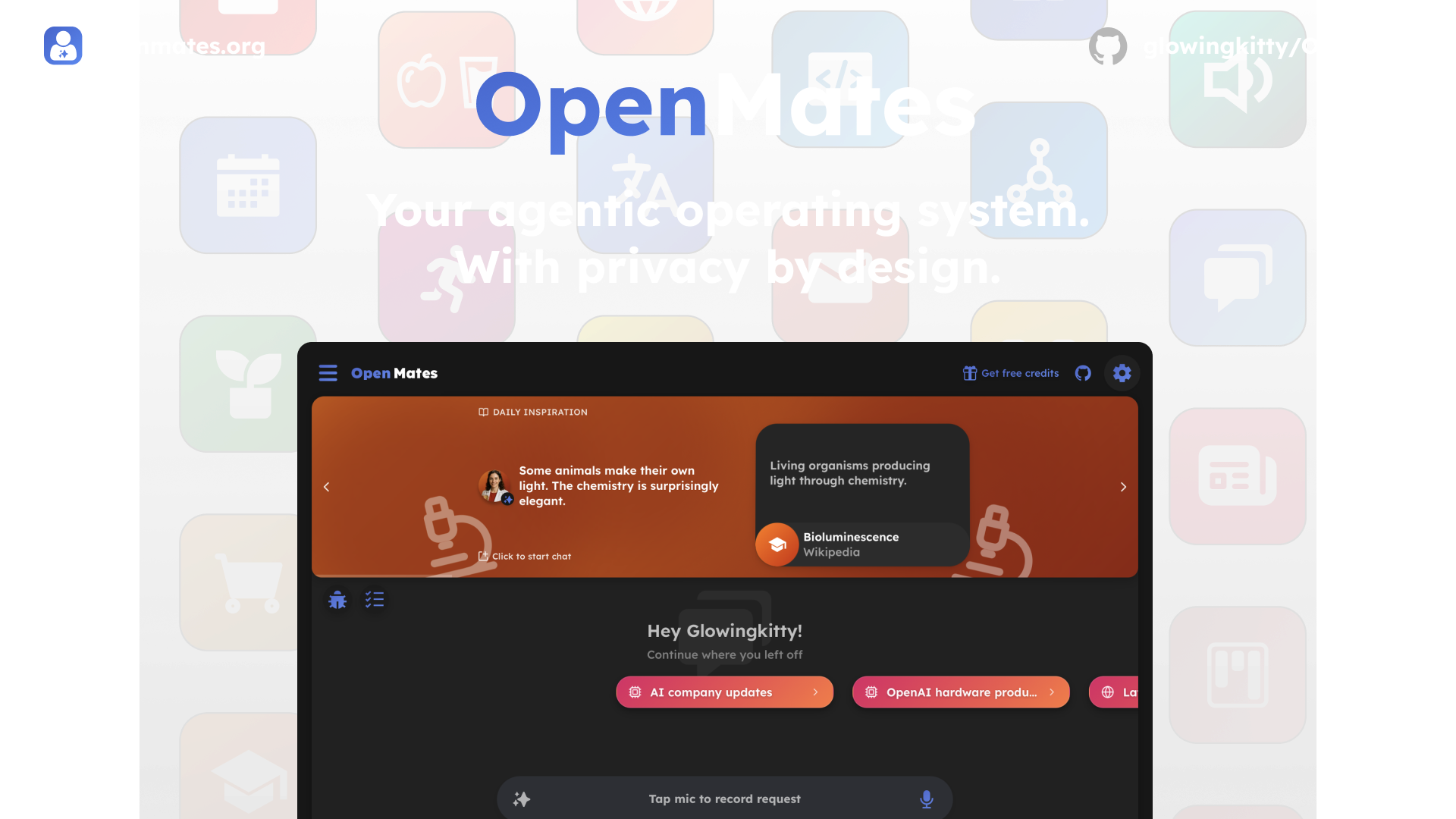
OpenMates brings practical tools and their results into one interface.
But the ambition goes much further: to make it a powerful environment for agentic coding and other complex work, with specifications, plans, tasks, enforcement, and automation designed into the experience. Projects, Tasks, and Workflows are part of that direction. The interface needs to make the process understandable and manageable.
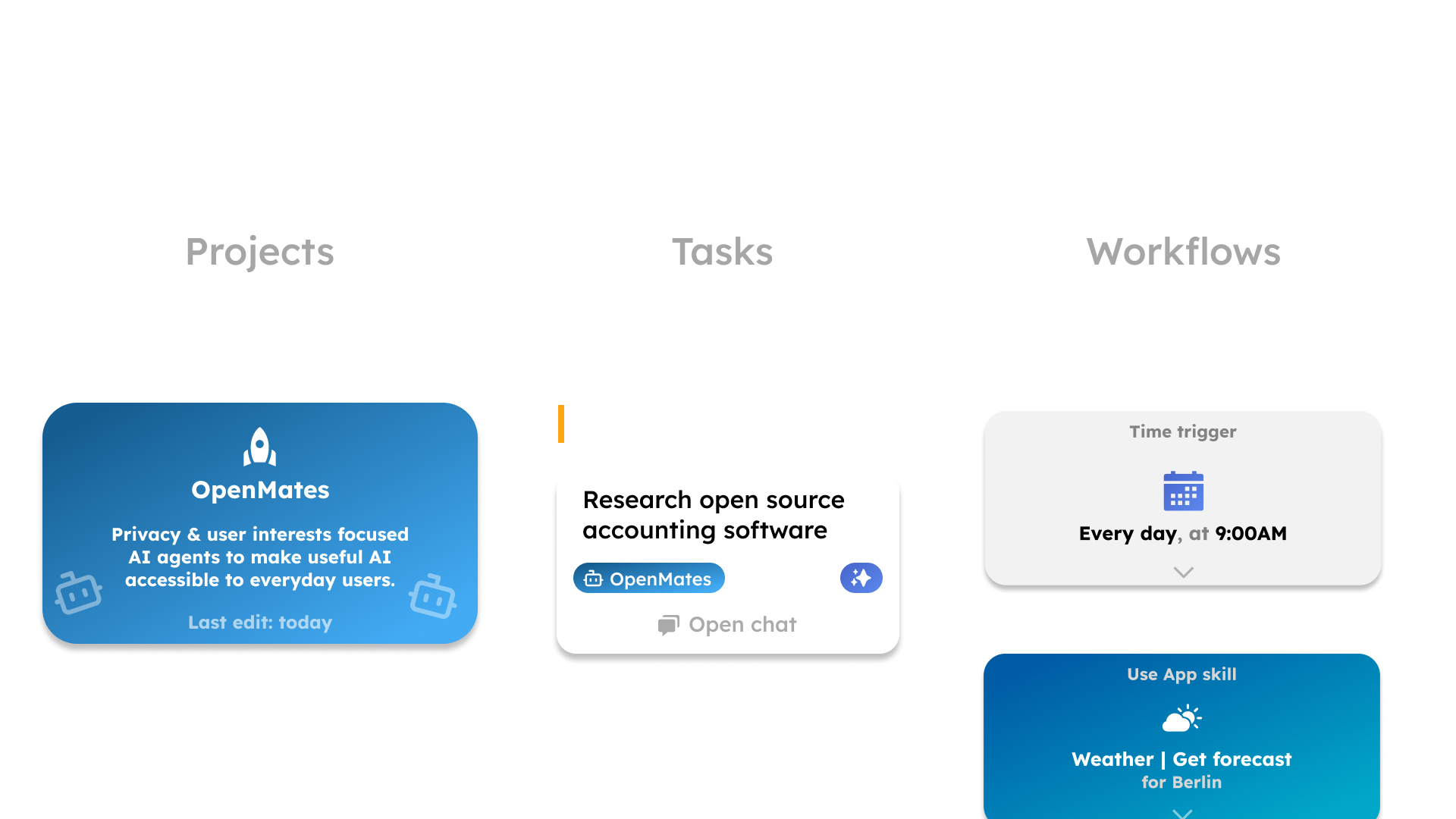
The direction for Projects, Tasks, and Workflows: make ongoing work easier to see and manage.
OpenMates is still a single-person project. I want that to change, with more people helping shape both the tools and how they feel to use.
There is also an open question worth discussing: when is quick vibe coding enough, when does a full specification pay off, and what should sit between those extremes? Adding complexity to every small change would miss the point. The process should help at the level of complexity the work actually has.
If these are problems you are working through too, join an upcoming Berlin meetup or online Community Hour through the OpenMates event calendar. You can also try OpenMates.org, or explore the code and self-hosting options on GitHub.
Questions or feedback? marco@openmates.org